
Understand HDR formats, source compatibility, panel brightness, local dimming, tone mapping and why a format logo alone cannot predict picture quality.
Quick answer
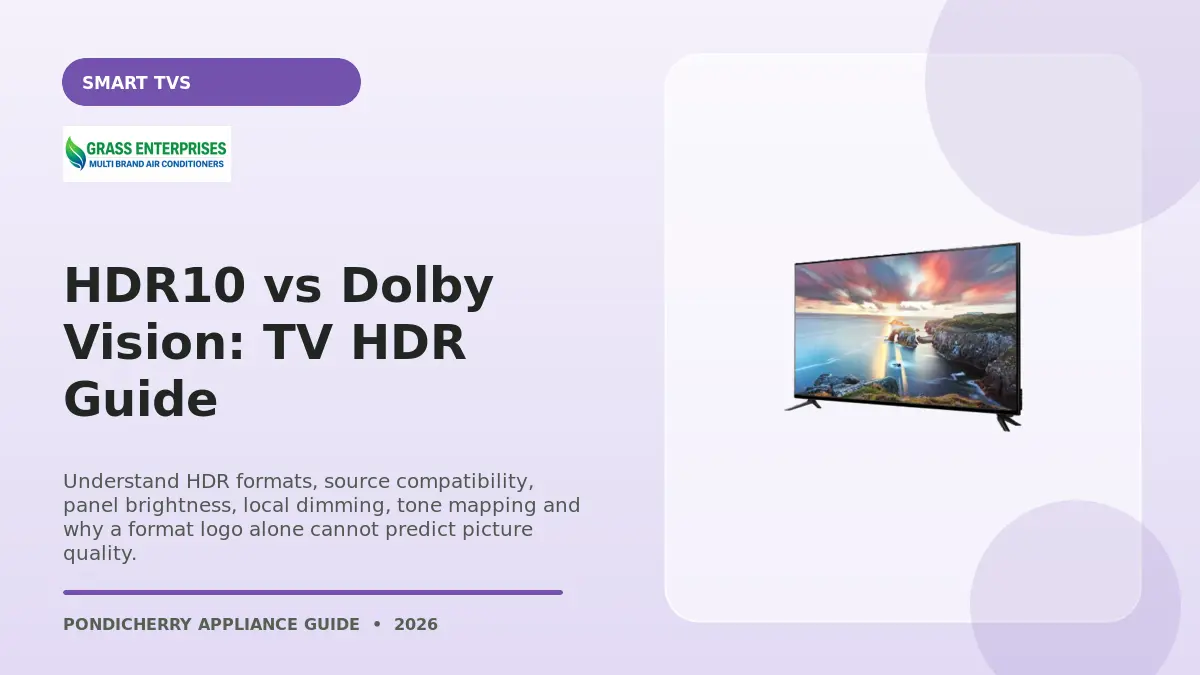
HDR10 is a widely supported base HDR format, while Dolby Vision can use dynamic metadata on compatible content and devices. Format support matters only when the television also has enough contrast, brightness, colour capability and competent tone mapping. Compare real picture performance and the formats used by your streaming or disc sources.
Decision summary
What to compare before buying
A logo describes compatibility, not full performance
HDR expands the intended range between dark and bright picture information, but the screen must reproduce it convincingly. A television with limited brightness or contrast may accept an HDR signal yet show a modest result. Check independent measurements where available and compare dark-scene detail, highlight control and colour in a normal room, not only a saturated showroom clip.
Trace the complete playback chain
The content, streaming plan or disc, app, playback device, receiver or soundbar, HDMI port and cable all need to pass the selected format. Some apps on the TV may support a format that an external device does not, or vice versa. Confirm format indicators using official device instructions and avoid assuming every title on a service uses the same master.
Use accurate picture modes before judging
Dynamic showroom modes can clip highlights and exaggerate colour. Start with a cinema, filmmaker or accurate mode recommended for the model, then adjust room brightness and motion to preference. Energy-saving controls and ambient-light sensors can change output. Compare HDR and standard content because excellent everyday processing may matter more than one premium-format badge.
Side-by-side
HDR10 vs Dolby Vision: TV HDR Guide comparison
| Factor | HDR10 | Dolby Vision |
|---|---|---|
| Availability | Widely supported | Licensed compatible ecosystem |
| Metadata | Commonly static | Can be dynamic scene by scene |
| Source | Broad device support | Requires compatible content and chain |
| Picture result | TV-dependent | TV-dependent |
Ranges are starting points. Confirm the current specification, energy label and installation requirements of the exact model before purchase.
Pondicherry buyer checklist
Complete these checks before you pay
- Measure twice: record the product space, doorway, staircase or lift, ventilation, door swing and connection points.
- Compare exact models: check capacity, current energy information, included accessories, warranty and model number.
- Clarify installation: ask what standard installation includes and list any pipes, brackets, wiring or plumbing charged separately.
- Protect the paperwork: keep the tax invoice, serial number, delivery note, warranty registration and installation record.
- Plan maintenance: follow cleaning and service intervals in the manual and use authorised support during warranty.
Local appliance support
How Grass Enterprises helps Pondicherry buyers
Grass Enterprises helps households and businesses compare home appliances and electronics by space, capacity, features and budget. Visit or contact the Mudaliarpet team to discuss currently available products, delivery, installation guidance and after-sales assistance.
Grass Enterprises
No. 187, Poincare Street, TM Nagar, Keerapalayam, Mudaliarpet, Puducherry – 605004
People also ask
Frequently asked questions
Verification resources
Sources and current model checks
Product ranges, labels and instructions can change. Use these primary resources together with the exact model label, official manual, warranty card and authorised installation guidance.