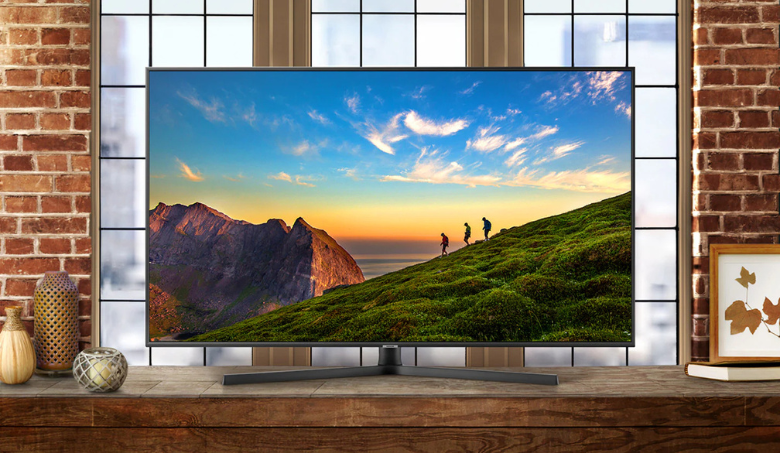


Set up a new smart TV by checking for transit damage, fitting the approved stand or mount, connecting to a safe socket and network, updating software and…
Quick answer
Set up a new smart TV by checking for transit damage, fitting the approved stand or mount, connecting to a safe socket and network, updating software and testing picture, sound and HDMI ports while the return and service process is clear.
Decision summary
What to confirm before you start
Inspect before wall mounting
Check the screen and frame in good light before removing protective material as directed. Verify model and serial number against the invoice, count accessories and photograph transit damage immediately. Follow the seller’s reporting procedure.
Install securely
Use the correct stand screws or a mount rated for the TV and wall construction. Keep ventilation space and avoid pinched cables. A qualified installer should assess uncertain masonry or wiring rather than using arbitrary anchors.
Finish software and device checks
Connect to the trusted home network, apply official updates and review privacy settings. Test a normal TV channel or app, speakers, remote, HDMI source and any soundbar. Keep the invoice and warranty registration for service.
Pondicherry setup checklist
Complete these checks before setup
- Measure the complete route: check the product space, doorway, staircase or lift, operating clearance and service access.
- Verify utilities: confirm the rated socket, earthing, water, drain, ventilation and structural support required.
- Follow the exact manual: use model-specific clearances, connection limits and commissioning sequence.
- Use qualified installation: avoid improvised wiring, plumbing, brackets, lifting or sealed-system work.
- Keep the record: save the invoice, serial number, delivery condition, installation report and warranty confirmation.
Local appliance support
How Grass Enterprises helps Pondicherry buyers
Grass Enterprises helps households and businesses compare home appliances and electronics by space, capacity, features and budget. Visit or contact the Mudaliarpet team to discuss currently available products, delivery, installation guidance and after-sales assistance.
Grass Enterprises
No. 187, Poincare Street, TM Nagar, Keerapalayam, Mudaliarpet, Puducherry – 605004
People also ask